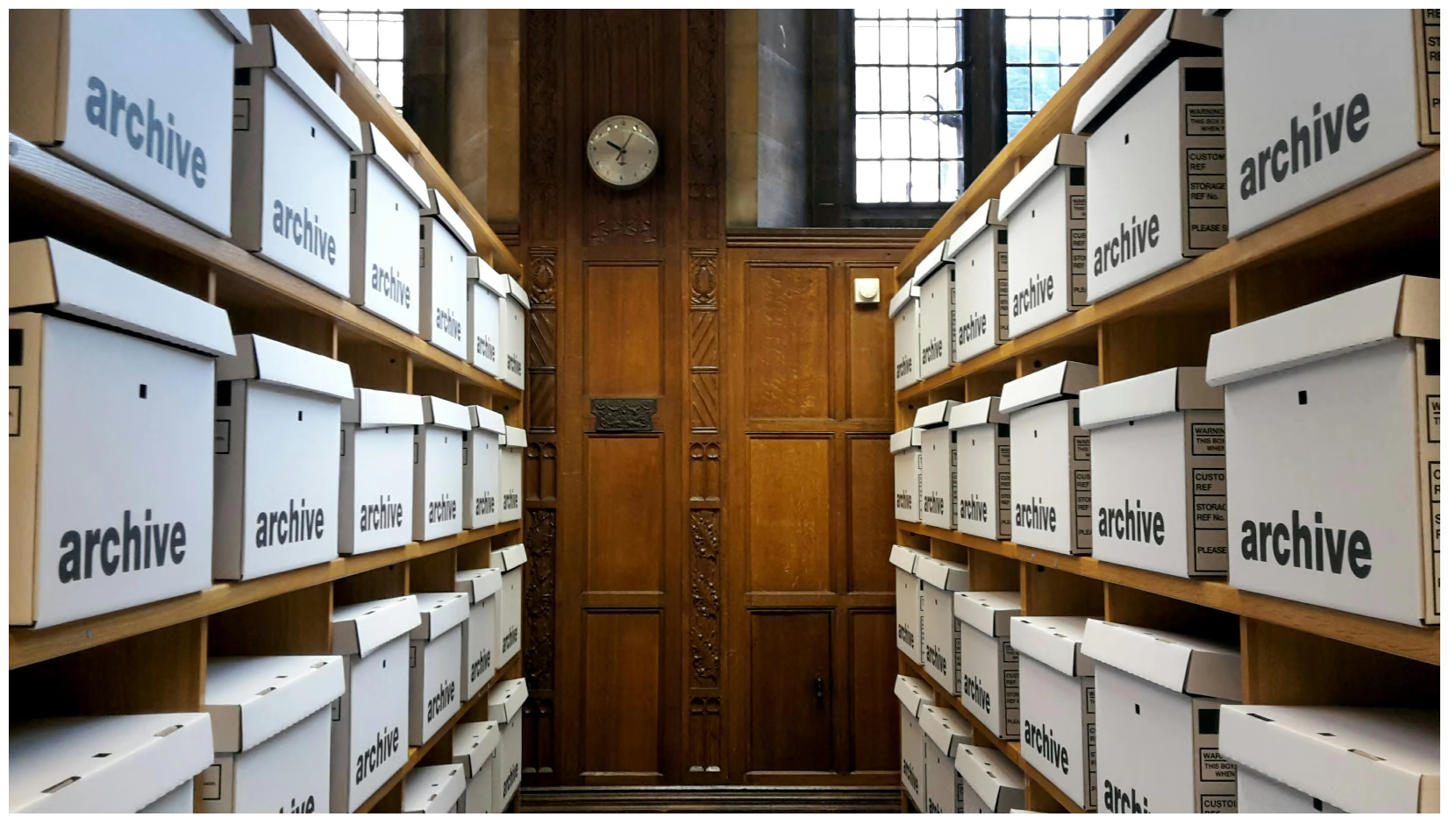
Document cartons stacked in racks.

DocPro Records Management System

Barcode-track physical records end-to-end with audit trails.
Every record. Controlled.

DocPro RMS helps you manage the complete Storage → Retrieval → Re‑Filing lifecycle with full visibility, user requests, and detailed activity trails for compliance‑driven environments.

100% traceabilityTrack every movement with audit trails
Barcode‑driven operationsItems + locations barcoded for accuracy
Compliance readyDesigned for regulated processes (e.g., GMP)

Records Management cycle

Operationally simple for users—fully controlled for records room teams.

Capture & store Create items, assign an object type, generate a barcode, and allocate a barcoded location. Request & approve Users place pickup/retrieval requests; approvers authorize based on access rules and policies. Workorders Ops executes pick, validate, delivery, and return/re-file workorders with controlled handoffs. Re-file & track Return items to the correct shelf/location and maintain complete movement and custody history. Destroy After the retention/archival period ends, authorized destruction is executed and recorded with proof for audit.

Regulatory aspects

DocPro RMS is commonly deployed where Good Manufacturing Practices (GMP) and compliance are mandatory (e.g., pharma).

  • Controlled access to search/store/retrieve/refile/destroy operations
  • Complete audit trail for all record movements throughout lifecycle
  • Accountable workflows for approvals and workorders

Why teams choose DocPro RMS

A proven solution for physical records operations.

Full visibility

Know where every item is—always.
User requests

Fulfil pickup, retrieval, and re‑filing requests quickly.

Barcodes

Reduce manual errors in movement and storage.

Audit trails

Evidence for compliance and investigations.

Core terminology

Structured definitions keep operations consistent across rooms, sites, and teams.

Object

A physical unit stored in the records room. Base types include Container, File‑Folder, and Shipper. Objects are barcoded to support operations.

Location

A physical unit of storage with a unique code—typically a shelf in a rack/compactor in a room/floor/building. Locations are barcoded for ease of operations.

Account

A structure to control access to search/store/retrieve/refile/destroy. Accounts can be hierarchical (up to 3 levels) and attach items at level 2/3.

Modules

Separate admin configuration from operations—so governance stays intact.

Dashboard

Role‑based panels for admin and operations users; first screen after login showing users and workorder status.

Admin

Role management, user management, reports, e‑signature, and audit reports.

Masters

Accounts, objects, locations, actions (read‑only), index settings (ref fields), and LOV configuration.

Operations

Capture/search/track items, storage locations, containers/shippers, imports, and workorder execution.

User Request

Requestor/Approver workflows for pickup, retrieval, and re‑filing; ops queues for fulfilment.

Index settings

Configure up to 25 reference fields (text/combo/date/number) with validations and LOVs.

Operations menu (high level)

Lifecycle‑driven workflows for records room operations.

Data capture & movement
  • New item / bulk upload
  • Search item / track item
  • Add/move/release location, container, shipper
  • Location movement import / item movement import
Workorders & requests
  • Search workorder
  • Pick & validate
  • Delivery update
  • Destroy update
  • Re‑filing request

Request a demo

See DocPro in your exact workflow: approvals, permissions, and audit trails tailored for Indian enterprises.

🔒 Secure & Confidential • Data localized in India

Prefer email? Write to info@docprodms.com.