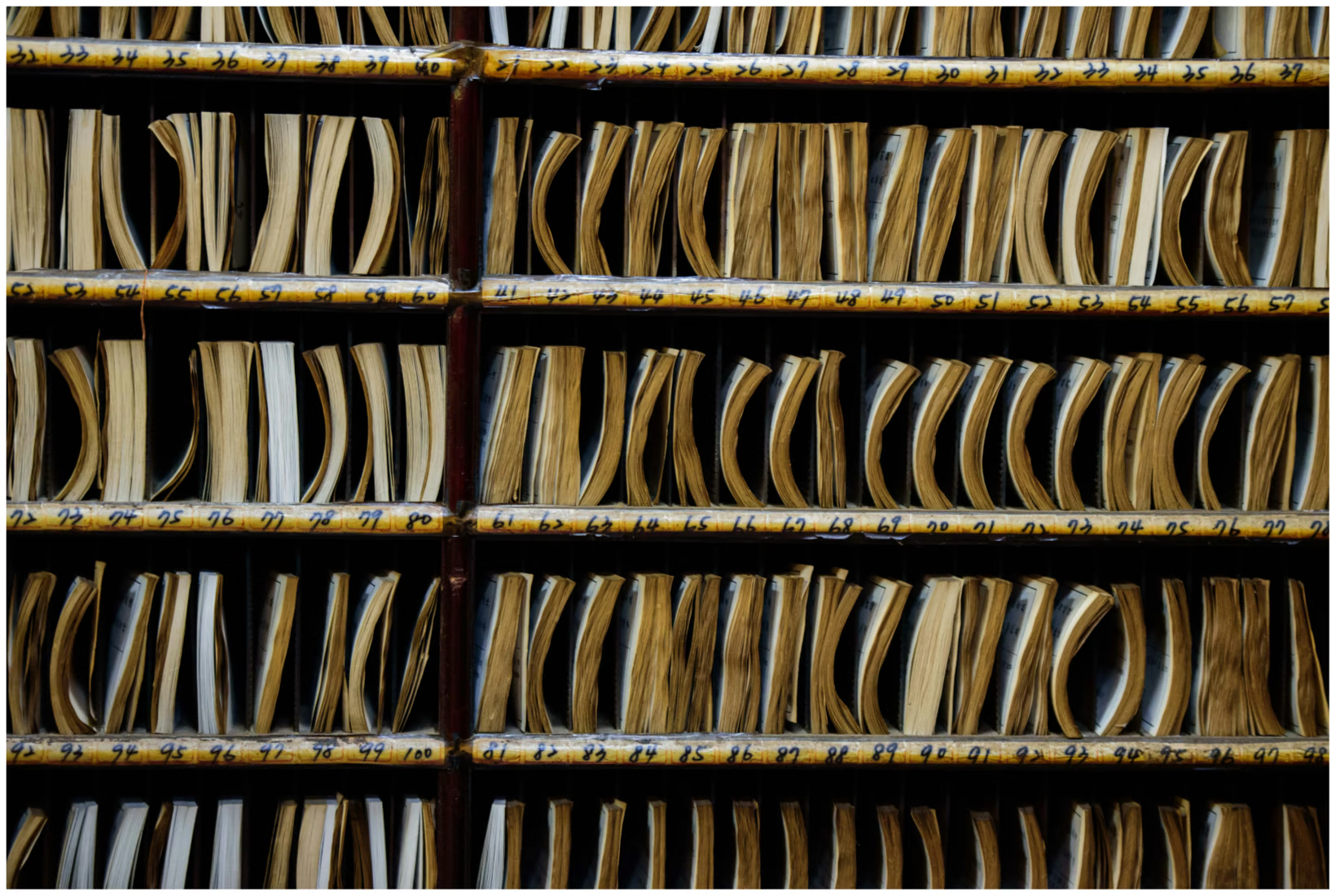
Files kept in racks.

Records Management for Pharma

Centralize pharma records for control, retrieval, and compliance.
Improve governance.

Pharmaceutical companies generate large volumes of physical documentation—from research and testing records to supply chain and compliance files. When records are stored in secure rooms across locations, tracing and retrieval can become slow and error-prone.

Barcode-based tracking • Workorders • Audit-ready trails
Real-time locationKnow where each container/item is stored
Faster retrievalReduce time spent searching and chasing
Improved securityControlled access and complete traceability

Common records room challenges in pharma

When physical records are distributed across rooms and locations, manual tracking often fails at scale.

Hard to locate files

Searching for stored files becomes tedious and sometimes records can’t be located on time.
Low accountability

Without controlled requests and movement logs, it’s difficult to know who has a file.

Operational delays

Teams lose time on avoidable tasks, slowing research, QA, and compliance responses.

DocPro RMS for pharma operations

Track containers, items, and locations with barcodes—then run pick/validate/delivery and re-filing through controlled workorders.

What DocPro RMS tracks

Designed for physical records rooms and secure storage.

  • Items (files/folders/shipper boxes) and containers (groupings)
  • Locations (rooms/racks/shelves) with unique codes and barcodes
  • Movement history: storage, retrieval, delivery, re-filing, and destruction
  • Role-based access to search/store/retrieve/refile/destroy operations

Fast rollout with bulk import

Bring the system up-to-date quickly and reduce time-to-go-live.

  • Import existing master data (items/containers/locations)
  • Reduce manual entry work during implementation
  • Start tracking immediately after barcode labeling

How it works

A practical records room flow using workorders for controlled operations and real-time status.

1) Add & store
Register items, assign to container (optional), and place into a barcoded location.
2) Create workorder
Search/create workorder requests for retrieval, delivery, re-filing, or destruction.
3) Pick & validate
Operations team picks the record and validates against the request (barcode scan).
4) Delivery update
Update delivery/receipt status and maintain real-time visibility for requestors.
5) Re-file / destroy update
Close the loop with re-filing or destruction updates and close the workorder.

Benefits for pharma companies

Reduce time spent searching, cut human error, and improve compliance readiness.

Improved security

Controlled access for records operations and complete traceability.

Records accountability

Know who requested, picked, delivered, and re-filed each record.

Real-time access

Users see live status via workorder tracking and dashboards.

Reduced paper stockpile

Better disposal/retention execution reduces uncontrolled storage build-up.

Cost & time savings

Fewer delays and fewer errors means more time for core research and operations.

Web-based

Easy access for authorized users across facilities (with governance).

Case study: records room automation

A generic pharma implementation pattern used at a leading pharma client: track stored records, enable bulk import for quick go-live, and use workorders with pick/validate/delivery updates for real-time access.

Track items + containers

Barcodes for fast operations and fewer misplaced records.

Quick implementation

Bulk import reduces manual entry work for initial setup.

Operational panels

Create/search/update workorders; manage retrieval and destruction.

Explore other solutions: HRAuditFinance & AccountsContracts & Agreements

Request a demo

See DocPro in your exact workflow: approvals, permissions, and audit trails tailored for Indian enterprises.

🔒 Secure & Confidential • Data localized in India

Prefer email? Write to info@docprodms.com.